
SMS/LMS/MMS
This guide covers sending text messages — short (SMS), long (LMS), and image (MMS) — to an individual or a group.
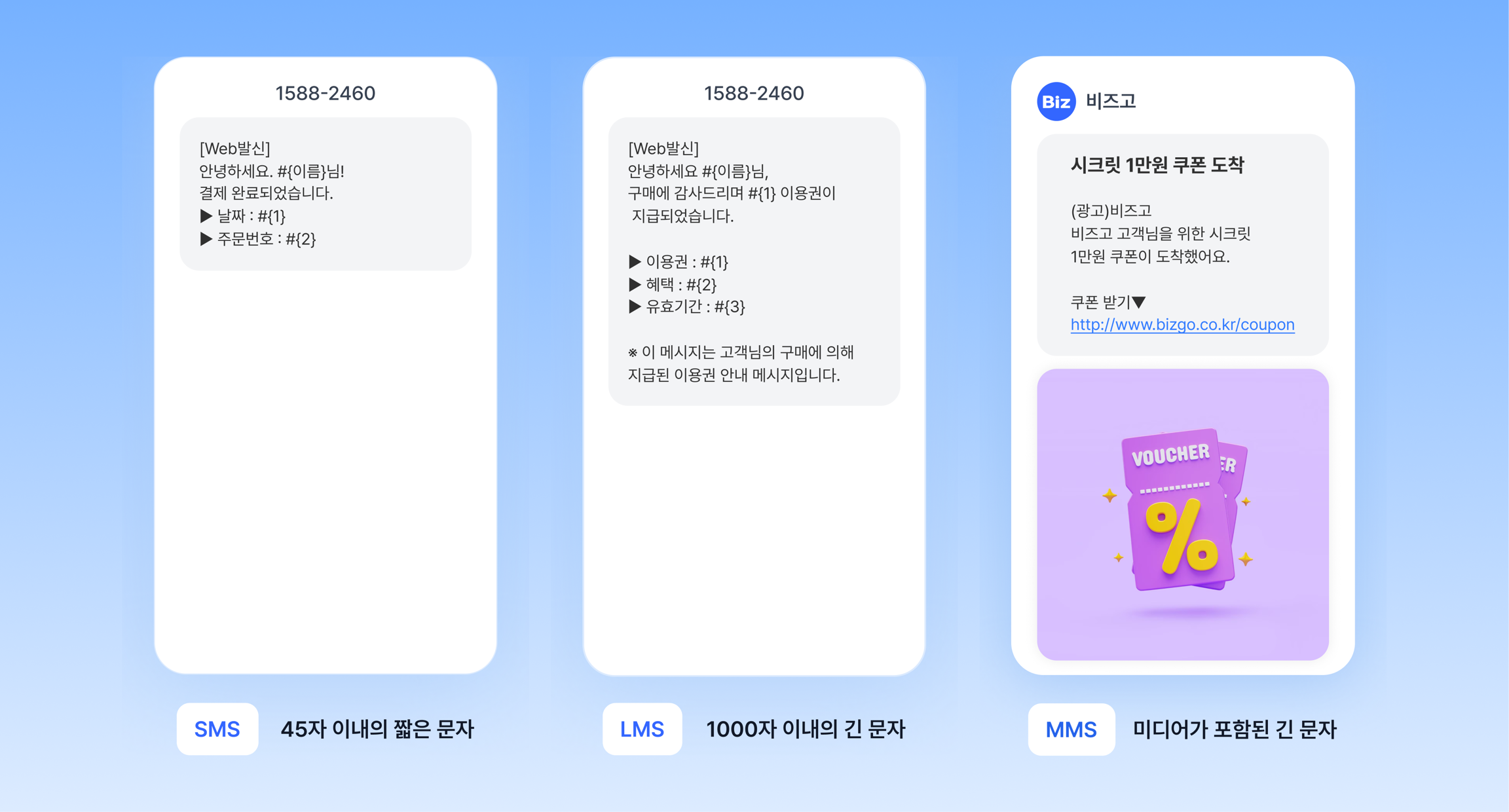
SMS/LMS/MMS types
The type is decided automatically
You do not have to specify a type. Bizgo processes the message as SMS → LMS → MMS automatically, based on the length of the content and whether an image is attached.
| Type | Maximum length | Image | Main use |
|---|---|---|---|
| SMS | 90 bytes | Not supported | Verification codes, short notices |
| LMS | 2,000 bytes | Not supported | Long announcements, detailed notices |
| MMS | 2,000 bytes | Supported | Messages that include an image |
One Korean character counts as 2 bytes, and one letter or digit counts as 1 byte.
When do you use each one?
| Situation | Recommended type |
|---|---|
| Verification codes, simple alerts | SMS |
| Order details, long notices | LMS |
| Marketing with images or banners | MMS |
| Failover where Kakao or RCS is not supported | SMS or LMS |
| Sending to overseas recipients | International SMS (see below) |
Check the send structure before you integrate
Once you understand the destinations and messageFlow structure, you can handle it the same way no matter which integration method you use.
Understand the send request structure
Check the destinations, messageFlow, and failover structure on a single page.
Understand the send structure →
How will you integrate?
Now that you understand the structure, choose your integration method below.