
Edit my information
Account menu > My information shows the contact name, permission, ID, email, mobile number, and job role.
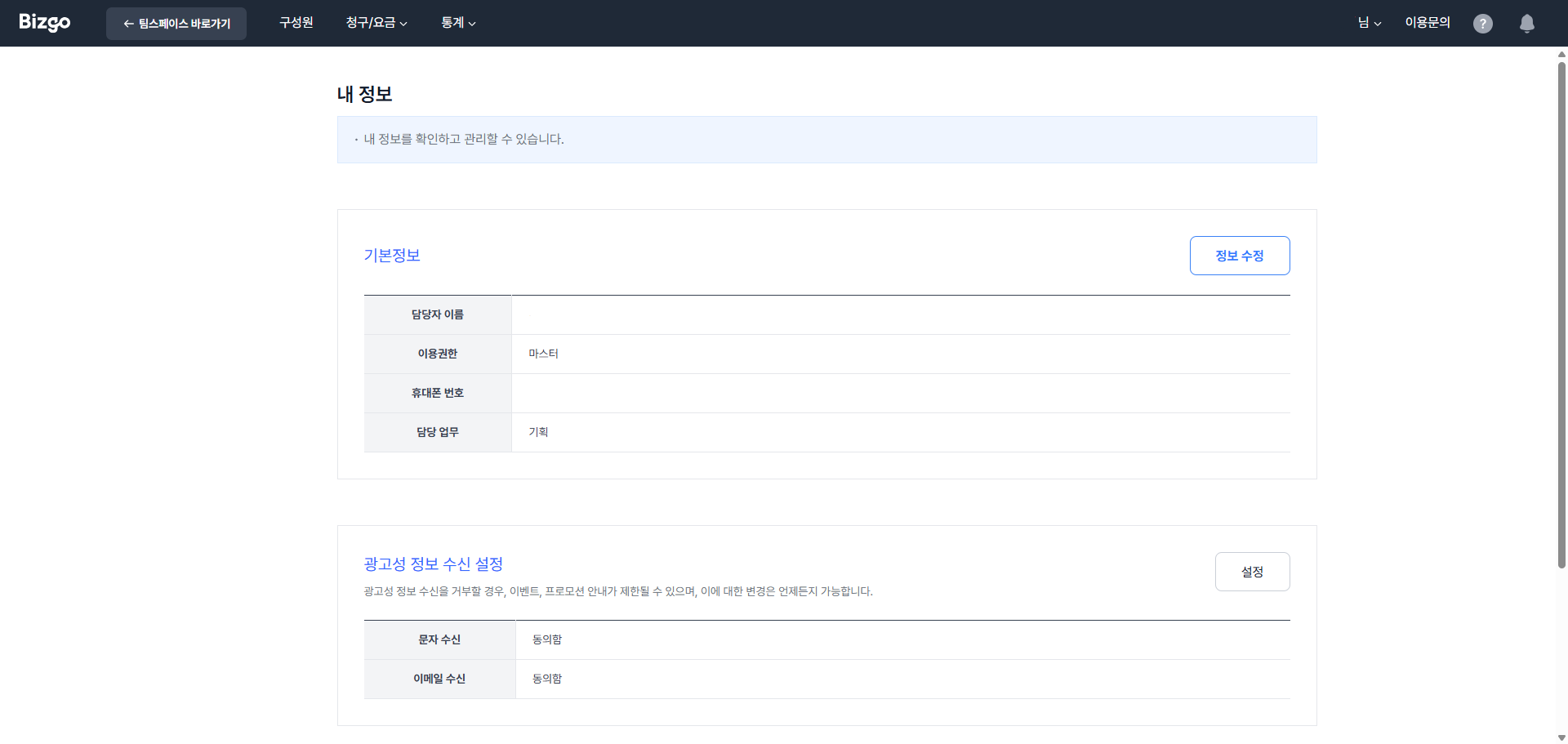
Click Edit information and confirm your identity with your password. The email and job role are edited without further verification.
Changing the Master's name or mobile number (transfer)
The Master's name and mobile number are changed through identity verification. A legal name change, a typo correction, and a handover all follow the same procedure.
- Click Change contact details at the bottom of the edit screen.
- Choose a certificate (KakaoTalk, carrier PASS, Naver, Toss, and so on) and enter the name, date of birth, and mobile number of the person to register, then complete verification.
- What happens next depends on whether the verified person is the current Master.
| Situation | How it proceeds |
|---|---|
| The same person (name change, typo in the name or number) | Treated as an information edit and applied immediately, with no review |
| A different person (handover) | Treated as a transfer; confirm the notice, then submit |
Check your sender numbers when transferring
For a handover, the Master transfer notice dialog explains when the change applies and how sender numbers are handled. Sender numbers are managed by name, so check whether they need to be registered again.
Next
- Company details → Check and edit company information
- Security → Security settings