
Social login
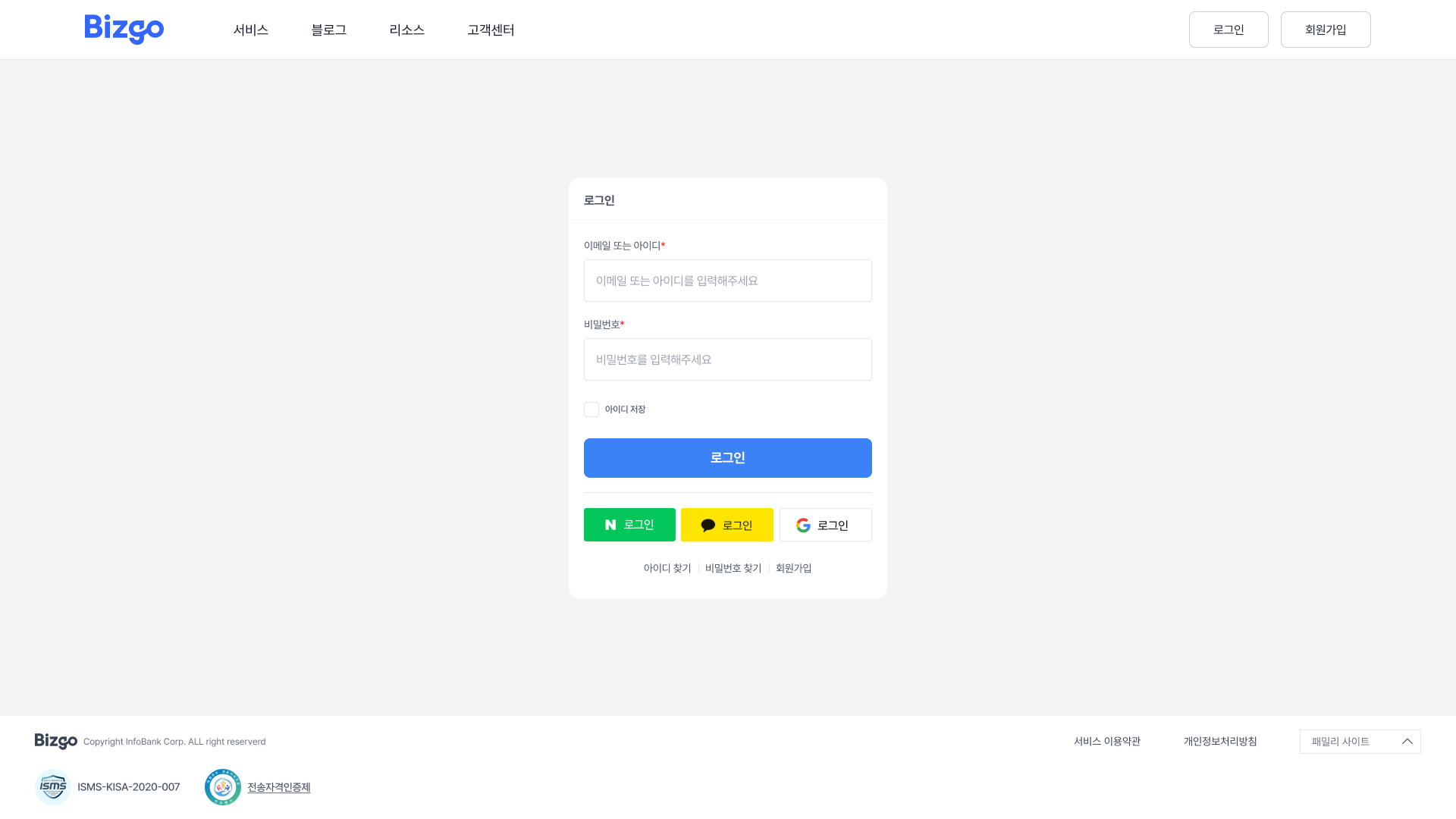
This solution lets users sign up quickly in one step through the social login product instead of a complex sign-up process.
It is provided as a single integration over the Kakao Sync, Naver, and Google login APIs.
Key features
Apply to use social login
You can apply by choosing a pricing plan or by contacting customer support.
| Feature | Description |
|---|---|
| Use one unified key | Call it with a single unified key issued by Bizgo. A consistent specification keeps management simple. |
| Unified social platforms | Handle multiple social platforms through a single API. Choose the platform with the provider parameter. |
| Automatic token refresh | Tokens refresh automatically in line with each provider's token cycle, so you do not have to manage them yourself. |
| Stronger security | Combining it with the two-factor authentication product improves the security of account management. |
Recommended for
- Startups that need a fast sign-up experience
- Platforms that provide authentication features to partners
- Companies that want to simplify their authentication logic
Supported social channels
| Channel | provider code |
|---|---|
| Kakao | KAKAO |
| Naver | NAVER |
GOOGLE | |
| Apple | APPLE |
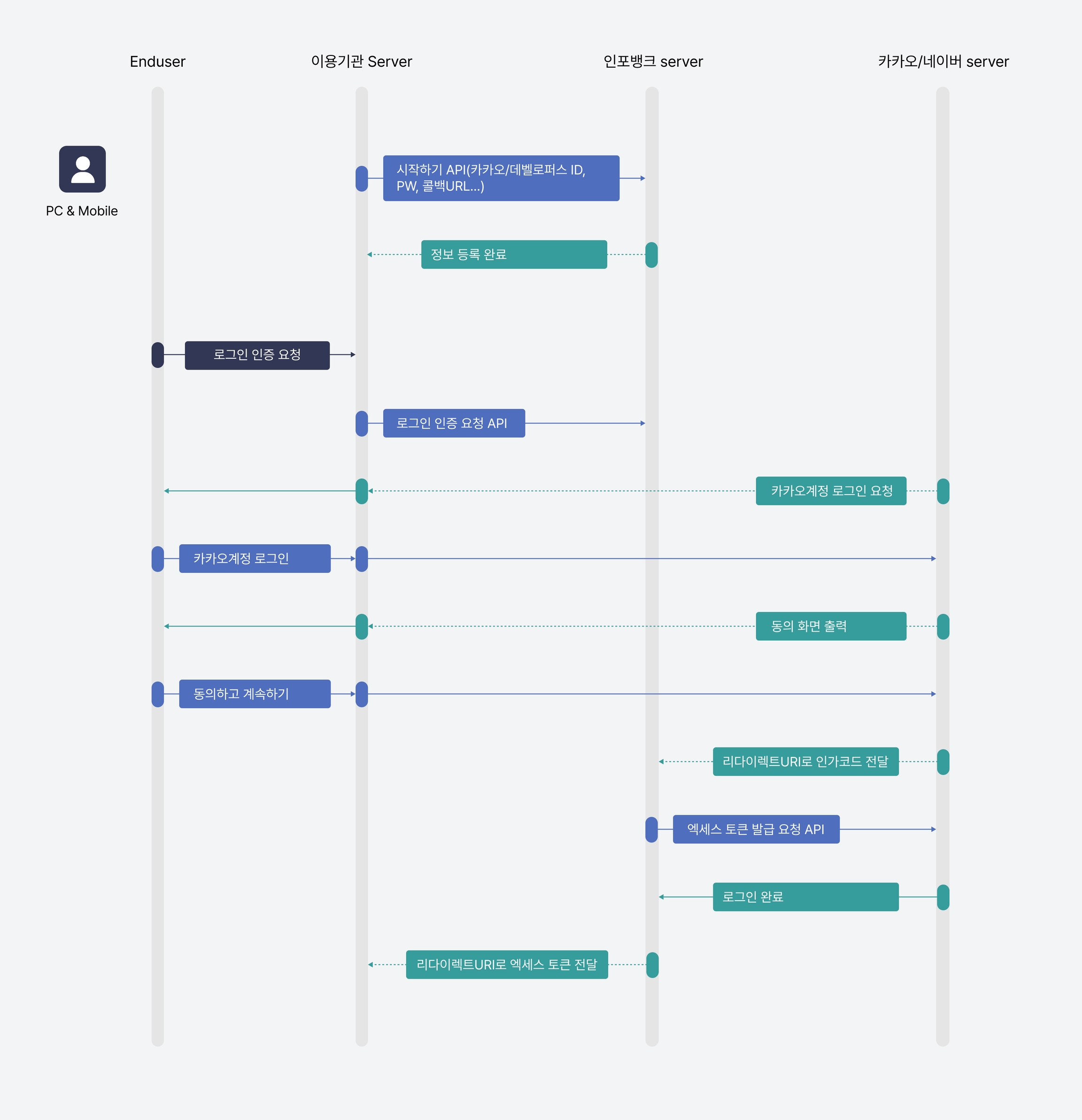
Authentication flow
TEXT
1. Client → Bizgo API: request a login URL (provider, redirectUri)
2. Bizgo API → client: return the social platform OAuth URL
3. User → social platform: log in and give consent
4. Social platform → client: pass the authorization code (redirect)
5. Client → Bizgo API: request a token exchange
6. Bizgo API → client: return the access token and user information
How will you integrate?
You can use social login through API integration. Check the API spec and the request/response structure below, including app information registration, authentication requests, and user information lookups.
Next steps
- Check the API spec → API reference — Social login
- To combine it with two-step authentication → OTP / 2FA
- For an overview of all authentication services → Authentication overview