
International message
This guide covers sending text messages to overseas numbers.
The send flow is the same as for domestic text messages, but the number format and the billing rules differ.
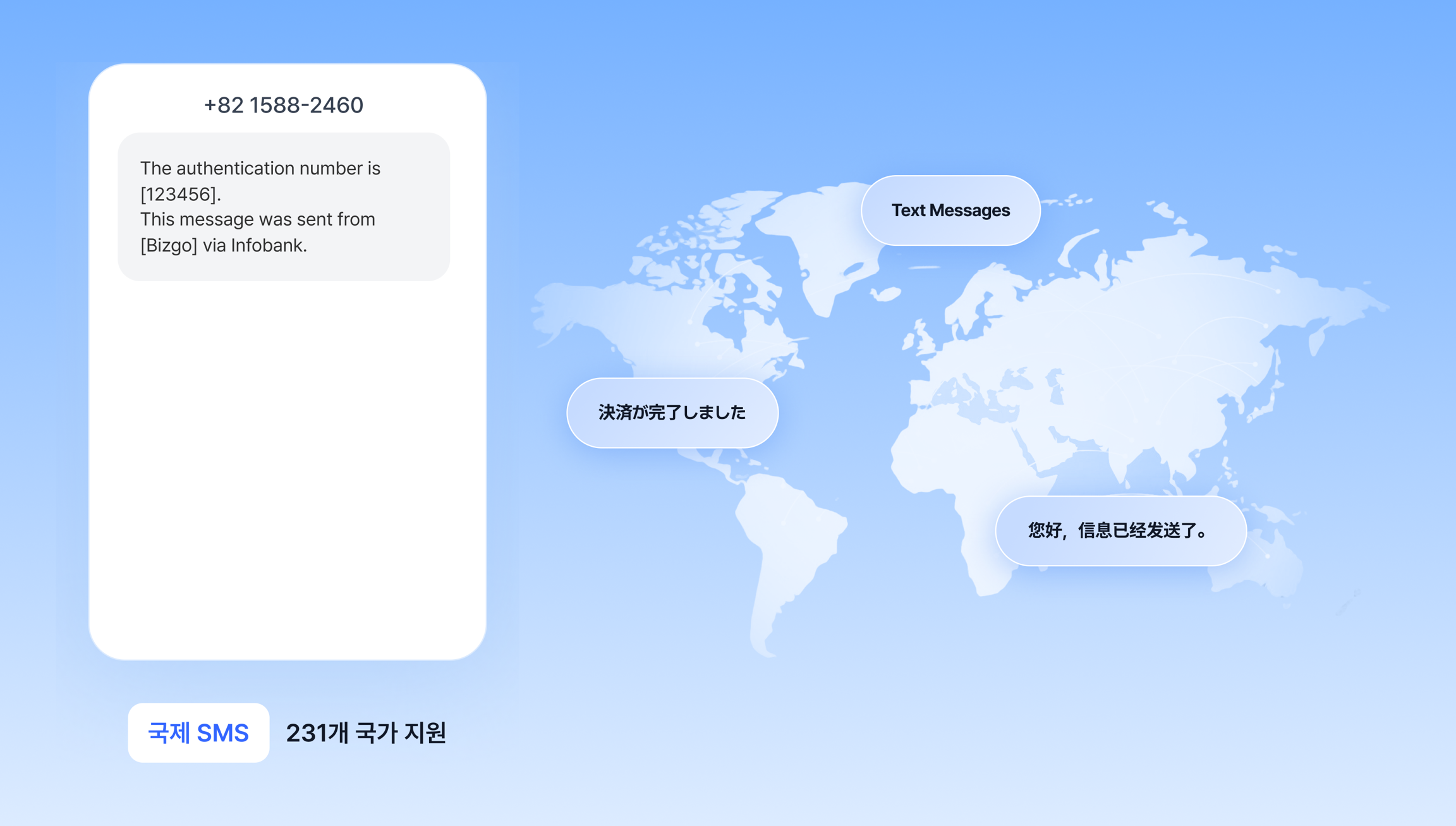
Number format
You must enter the recipient number in E.164 format, including the country code.
| Country | Country code | Example input |
|---|---|---|
| United States | 1 | +12025551234 |
| Japan | 81 | +819012345678 |
| United Kingdom | 44 | +447911123456 |
| Singapore | 65 | +6591234567 |
If you omit the country code or the format is wrong, the send fails.
Billing rules
For international SMS, the character limit depends on the message encoding. If you exceed it, the message is split and billed per part.
| Encoding | Base length | Segment size when exceeded | Maximum parts |
|---|---|---|---|
| GSM-7 (mostly letters and digits) | 160 characters | 153-character segments | 5 parts |
| Unicode (Korean and similar) | 70 characters | 67-character segments | 5 parts |
For example: 200 characters of English is billed as 2 parts, and 80 Korean characters is billed as 2 parts.
DLR (Delivery Report)
A DLR is the actual delivery result from the recipient's handset.
The concept is the same as domestic reports, but for international messages the acceptance result from the international carrier is handled as the default report. That acceptance result is what you are billed on.
On request, you can additionally receive the handset delivery result (DLR).
| Report | Meaning | How to receive it | Billing basis |
|---|---|---|---|
| Default report | Acceptance result from the international carrier | Provided by default | Yes |
| DLR | Actual handset delivery result | Requires a separate setup per API key | No |
Once DLR is enabled, a single message collects two reports: one default report (acceptance result) and one DLR (delivery result).
Check these before you receive DLRs
- Receiving DLRs requires a separate setup per API key. Request it from your sales representative before you use it.
- Depending on the country and the overseas carrier, the actual DLR may never be returned. In that case Bizgo waits up to 5 days and then returns a failure (timeout) code, so neither of the two reports goes missing.
- That means you should not read a DLR failure (timeout) as a failed handset delivery. The message may have arrived on the handset while the carrier simply never returned a result. Billing is based on the acceptance report.
- The order in which the acceptance report and the DLR arrive is not guaranteed. Handle each report by its type.
Operational cautions
Check these before you send international messages
- Each country allows sender IDs differently. Check the regulations of the destination country before you send.
- Automatic failover is difficult here, so you should build a separate retry policy.
- Some countries impose additional regulations on marketing messages.
Check the send structure before you integrate
Once you understand the destinations and messageFlow structure, you can handle it the same way no matter which integration method you use.
Check the destinations, messageFlow, and failover structure on a single page.
How will you integrate?
Now that you understand the structure, choose your integration method below.