
Change your password
Set a new password for your account. Click your account name at the top right and choose Reset password.
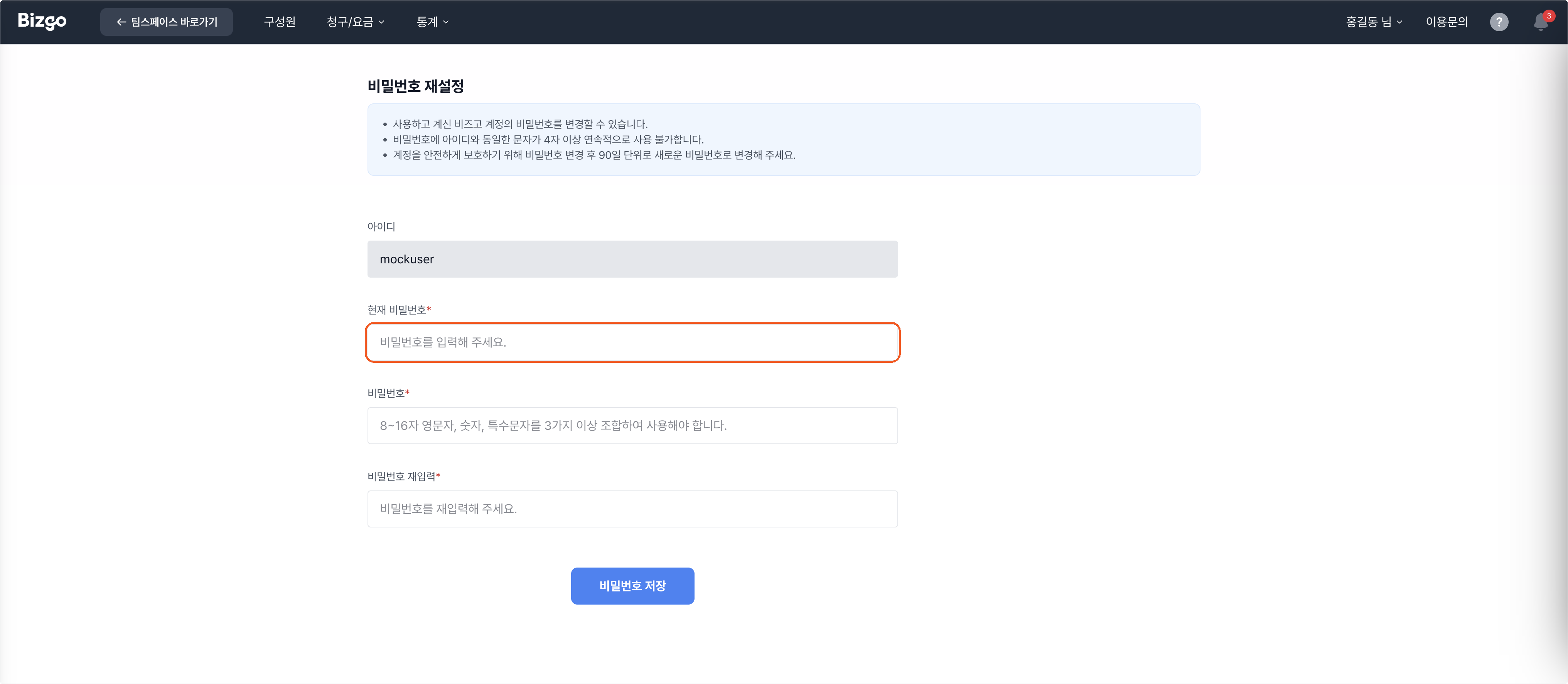
1. Enter your current password
Confirm your ID and enter the password you are using now.
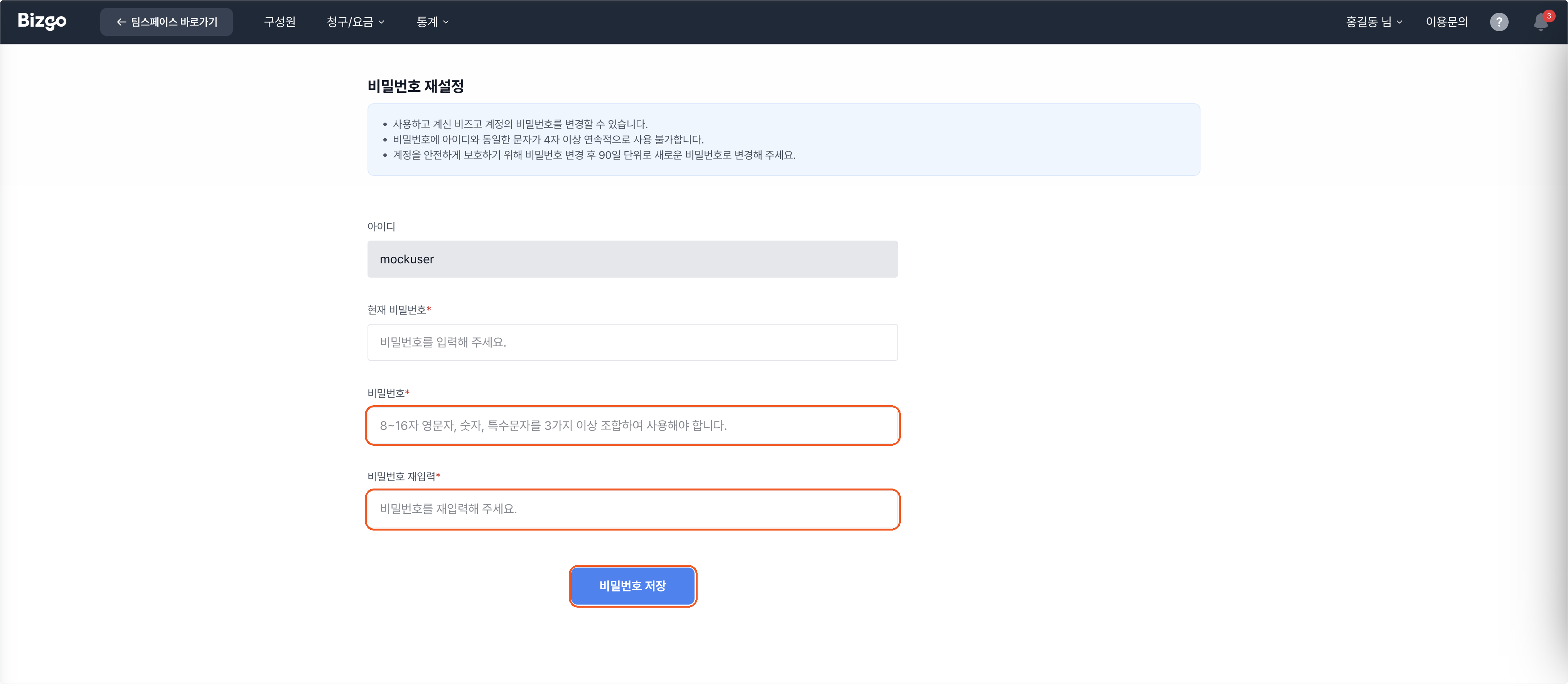
2. Save the new password
Enter the new password twice and click Save password. It applies from your next sign-in.
You cannot reuse a run of characters from your ID
A password containing three or more consecutive characters from your ID will not save.
Change it every 90 days
To keep the account safe, set a new password every 90 days. For stronger sign-in security, turn on mobile two-factor authentication. → Security settings