
Compare which template performs better
Bizgo > Template Plus > Template A/B experiment sends two similar Kakao messages at once and finds the one customers respond to better.
How the comparison works
Recipients are split 50:50 at random between A and B, and the comparison runs automatically for 4 hours from the moment Kakao confirms the send. Alimtalk is judged on read rate, Brand Message on CTR.
1. Start a new test
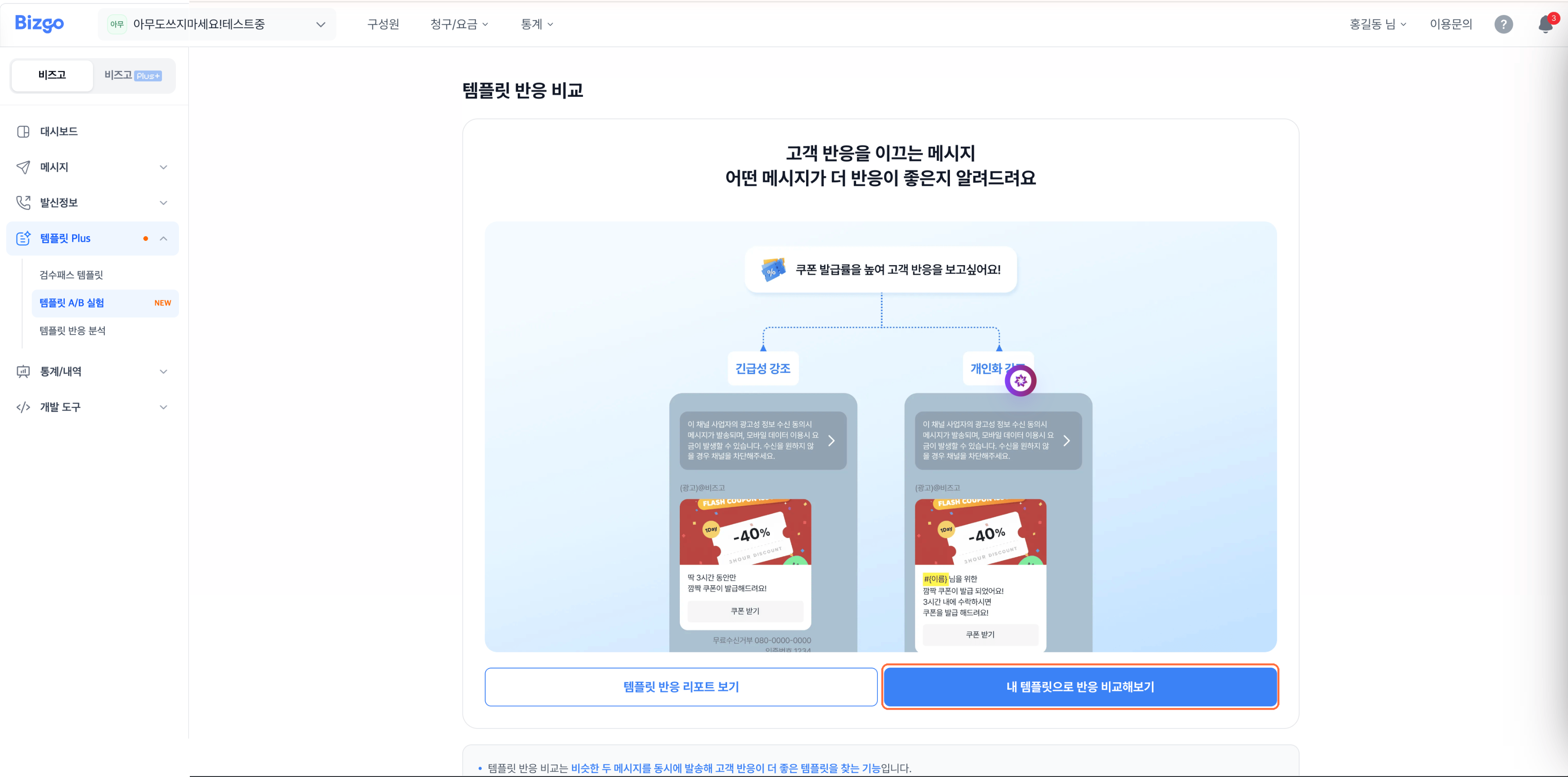
Click Compare my templates. You land on the Kakao send screen with Template comparison already on. Pick Alimtalk or Brand Message and select the channel ID.
2. Choose the templates to compare
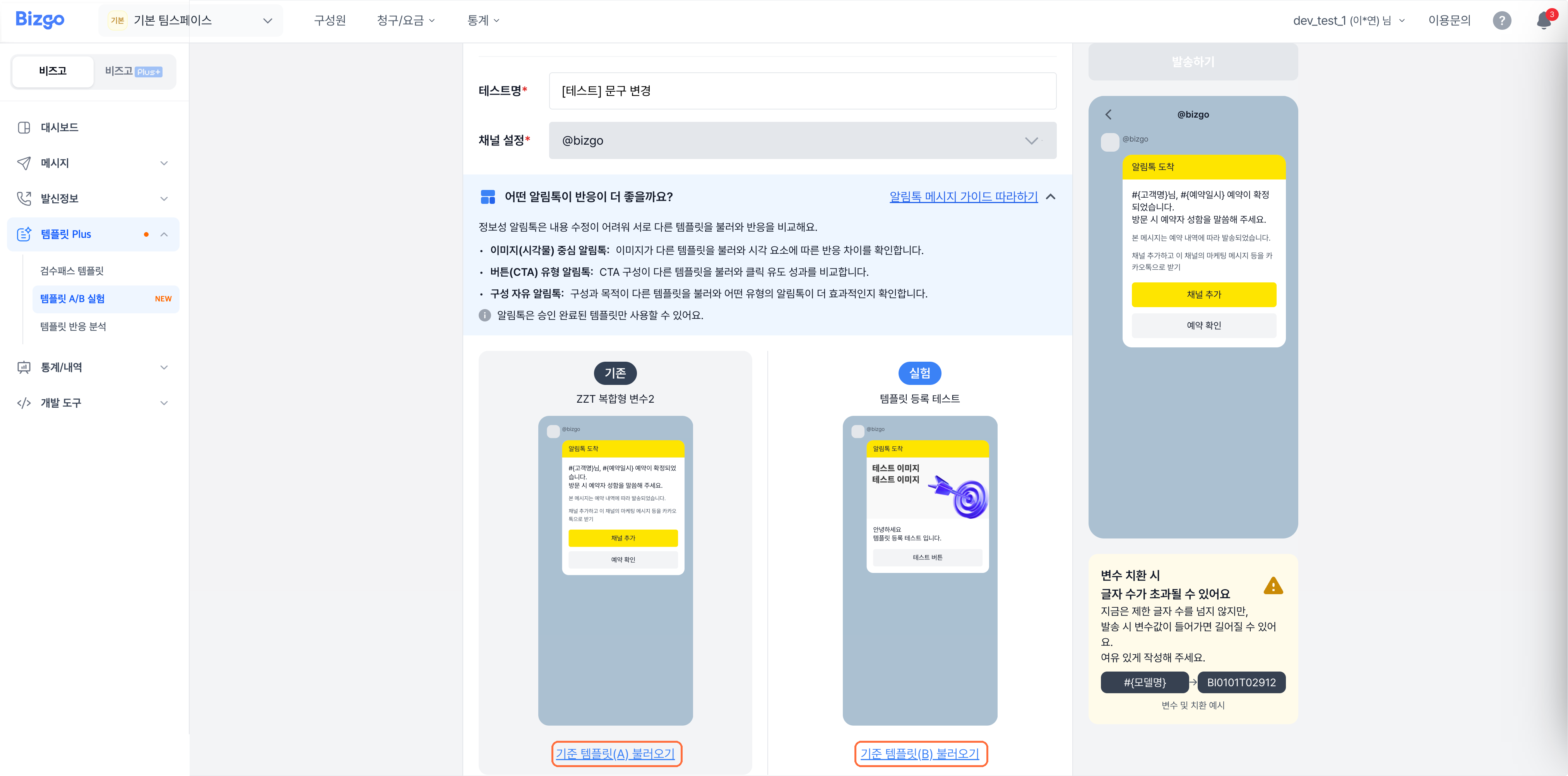
Load a template into Control and another into Variant. Alimtalk content is hard to change, so compare two different approved templates.
3. Add recipients and send
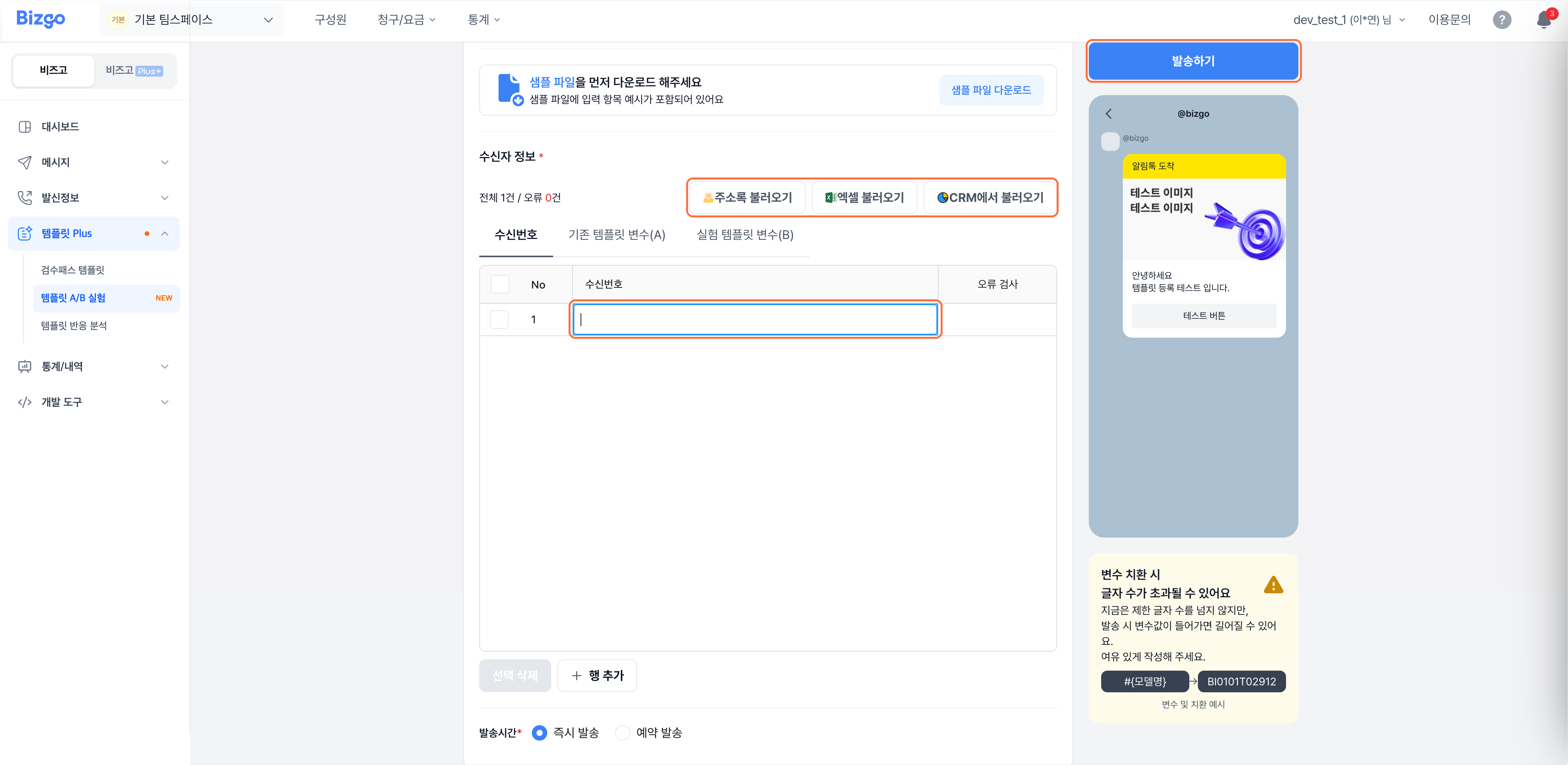
Add recipients with Import from address book, Import from Excel, or Import from CRM. If the templates use variables, fill in the control (A) and variant (B) values separately. Choose Send now or Schedule, then click Send.
Before you send
- You need at least 20 recipients to run an experiment.
- Templates cannot be edited while the comparison is running. To change one, cancel the comparison and build it again.
4. Read the results
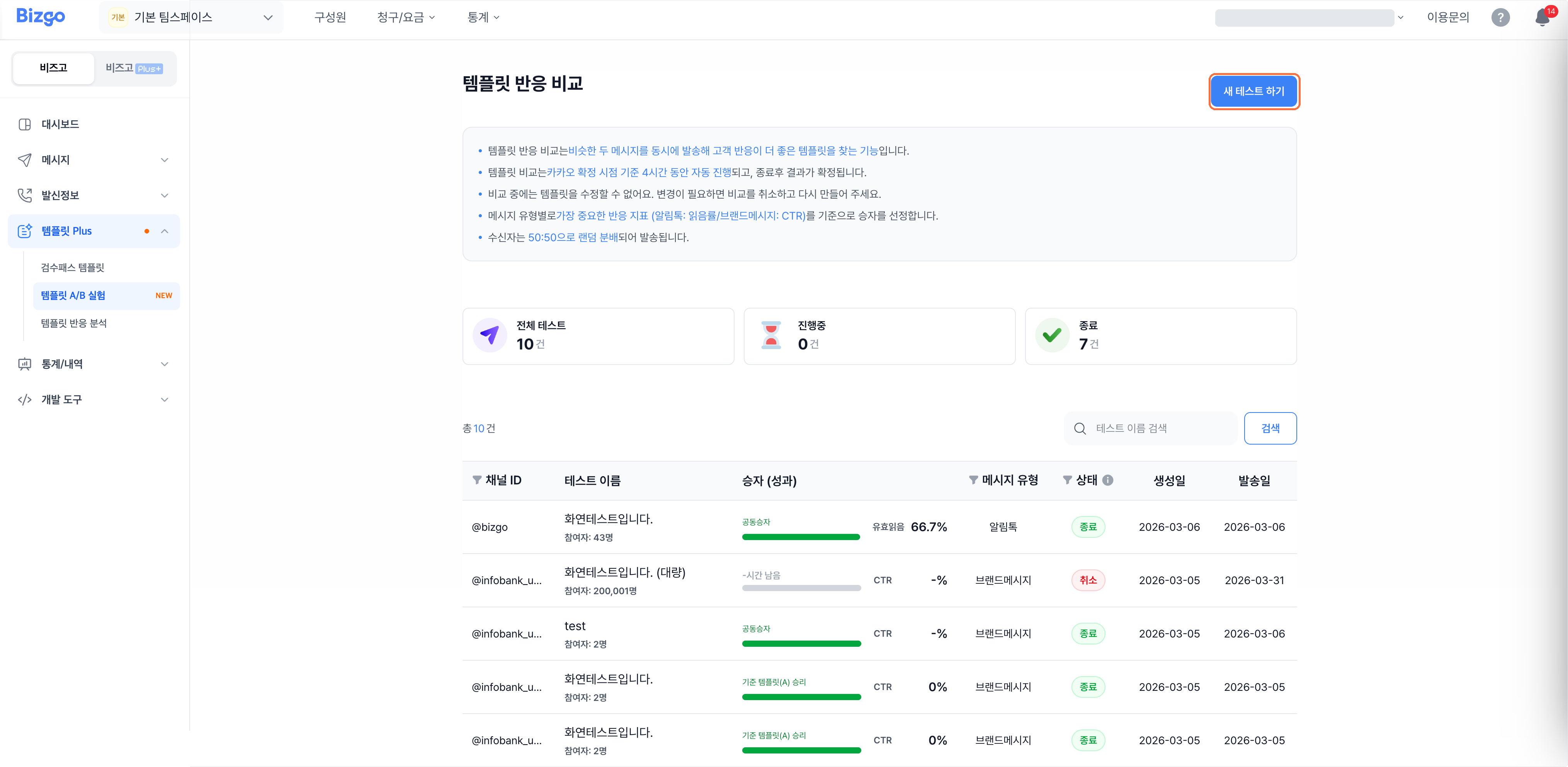
The Template A/B experiment list shows running and finished tests. Open a test to compare the send success rate and the hourly read and click metrics for the control and the variant.
Next
- Engagement over time → Check engagement by template
- Creating templates → Create an Alimtalk template