
Communication
Bizgo Communication is a message delivery service that manages SMS/LMS/MMS, Kakao Biz Message, RCS, and international message through a single API and console.
You can pick the channel that matches your purpose, audience, and device environment, or combine channels to maximize your delivery rate.
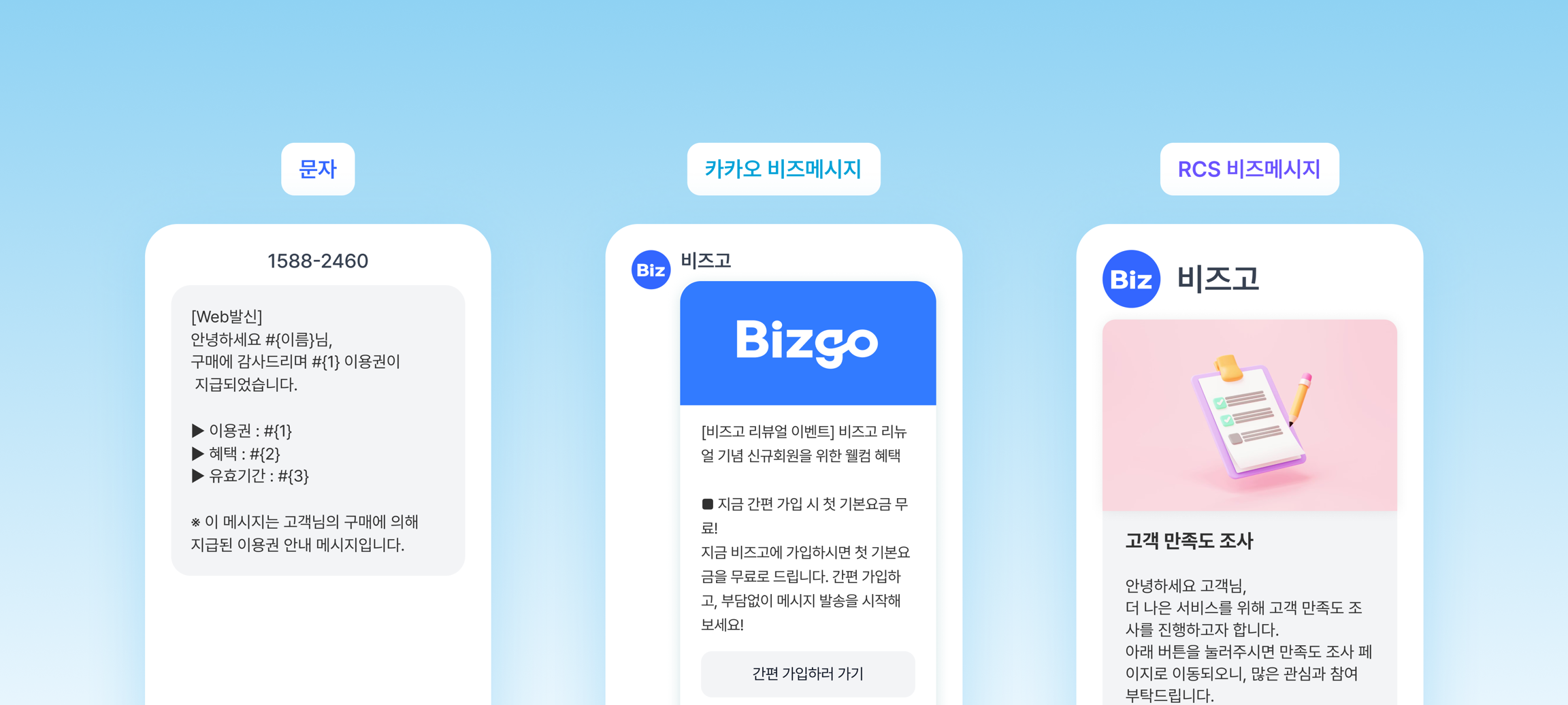
Supported channels
| Channel | Description | Characteristics |
|---|---|---|
| SMS/LMS/MMS | SMS / LMS / MMS | The most universal option. No restrictions on the receiving device |
| Kakao Biz Message | Alimtalk / Brand Message / CS Talk | Built on KakaoTalk. Requires templates registered in advance |
| RCS message | Short / long / card / carousel | Includes your brand logo, images, and buttons. Supports Android and iOS (26+) |
| International message | Overseas SMS | Sent using country codes. E.164 number format |
Before you start: sign up and set up an API key
Complete the two steps below before you use the communication API.
Step 1 — Sign up and business verification
- Sign up from the Bizgo website with Quick sign-up (간편 가입하기).
- After signing up, complete business verification. (Enter your business registration number and upload your business registration certificate; this takes 1 to 2 business days.)
- Create a team space.
Step 2 — Issue an API key and set up IP ACL
- In the console, go to Account settings (계정 설정) → API keys (API 키) → Issue a new API key (새 API 키 발급)
- Enter a key name, then store the issued API key somewhere safe.
- Open the API key details → Manage IP ACL (IP ACL 관리) and register your server IP.
Include the headers below in every API request.
Authorization: ApiKey {your issued API key}
Content-Type: application/json
Prerequisites per channel
Each channel has items you need to set up in addition to the API key.
Select the channel you plan to use to jump to that section.
SMS/LMS/MMS
| Prerequisite | Details |
|---|---|
| Sender number registration | Console → Sender information (발신정보 관리) → Register a sender number (발신번호 등록) |
| Verification method | ARS verification (immediate to 1 hour) or document verification with a 통신서비스 이용증명원 (proof of telecom service subscription; 1 business day) |
Registration steps
- Console → Sender information (발신정보 관리) → Register a sender number (발신번호 등록)
- Enter the phone number you want to use
- Choose a verification method and complete the review
You can send SMS only from a registered sender number. This is a legal obligation under Korea's 전기통신사업법 (Telecommunications Business Act).
Kakao Biz Message
| Prerequisite | Details |
|---|---|
| Open a KakaoTalk channel | Open a channel at Kakao Business |
| Channel integration | Console → Sender information (발신정보 관리) → Kakao channel integration (카카오 채널 연동) (3 to 5 business days) |
| Alimtalk template registration | Kakao review is required for informational sends |
Registration steps
- Open a KakaoTalk channel at Kakao Business.
- In the Bizgo console, go to Sender information (발신정보 관리) → Kakao channel integration (카카오 채널 연동), enter your channel search ID, and request the integration.
- You can use it once the Kakao review is complete (3 to 5 business days).
- If your goal is to send Alimtalk, you must also register templates and get them approved.
Promotional messages (Brand Message) also require you to manage marketing consent.
RCS message
| Prerequisite | Details |
|---|---|
| RCS brand registration | Register your brand at RCS Biz Center (3 to 7 business days) |
| Brand integration | Console → Sender information (발신정보 관리) → RCS brand integration (RCS 브랜드 연동) |
| Template registration (optional) | Required in advance if you use text or image templates |
Registration steps
- Register your brand at RCS Biz Center. (This takes 3 to 7 business days.)
- In the Bizgo console, go to Sender information (발신정보 관리) → RCS brand integration (RCS 브랜드 연동) and enter your brand ID.
- If you plan to use text or image templates, register those templates separately.
iOS is supported only from Unified RCS (iOS 26+). Set up SMS failover to cover unsupported devices.
International message
| Prerequisite | Details |
|---|---|
| Sender number registration | Sender number registration is required, just as for text messages |
| Check per-country sending rules | Check which sender ID methods each destination country allows |
| Number format | Use E.164 format with the country code for recipient numbers (for example, +12025551234) |
Cautions
- Exceeding 160 characters of English (GSM-7) or 70 Korean characters (Unicode) splits the message into multiple parts, each billed separately.
- Each country allows sender IDs differently. Check the destination country's regulations before you send.
- Automatic failover is difficult for international message, so you should configure a separate retry policy.
Related documents
- Channel selection guide — decide quickly which channel to use based on your scenario
- Set up your environment — API key, IP ACL, and authentication header configuration
- Understand the send request structure — the destinations, messageFlow, and failover structure
- Operational prerequisites — sign-up, business verification, and sender information registration