Operational prerequisites
This document walks through the preparation you need before you actually start using Bizgo, in a single flow.
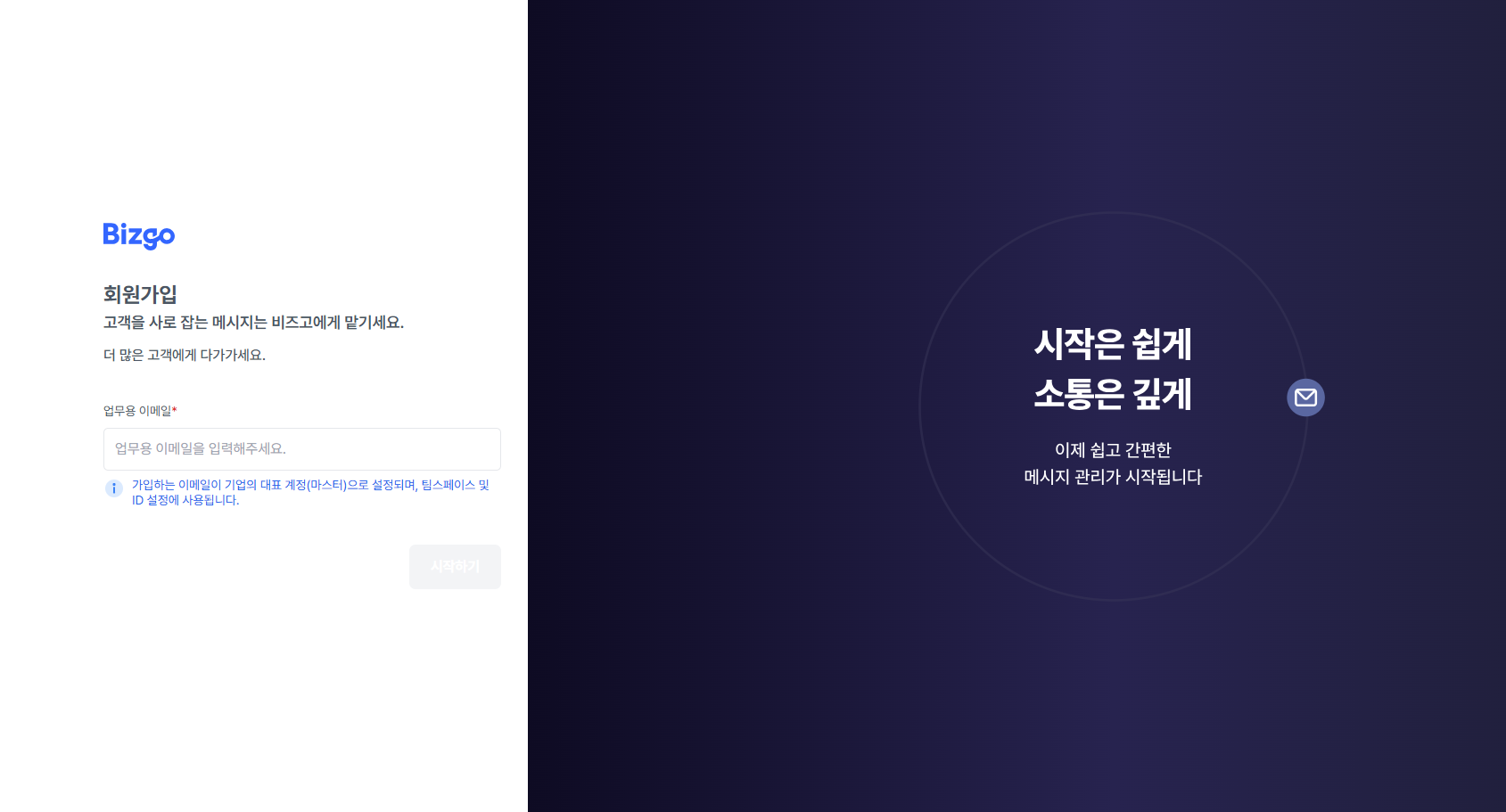
1. Sign up
Start signing up with Quick sign-up (간편 가입하기) on the Bizgo home screen.
- Using your company domain email is recommended
- You can also sign up with a personal account
- You can edit your information after signing up
2. Business verification
After signing up, you must complete business verification to prepare for actual sending.
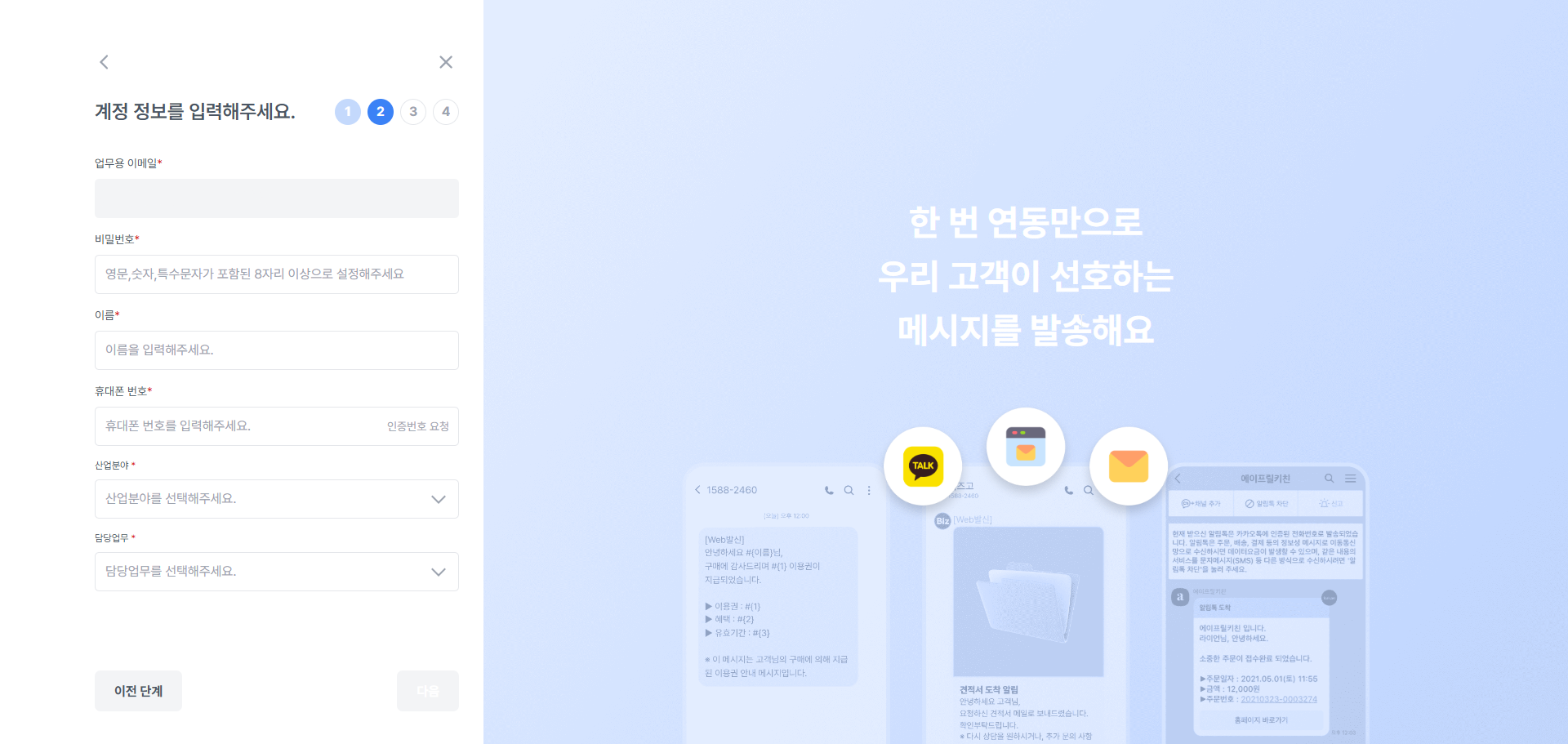
Enter your account information
Enter basic account information such as your name and contact number.
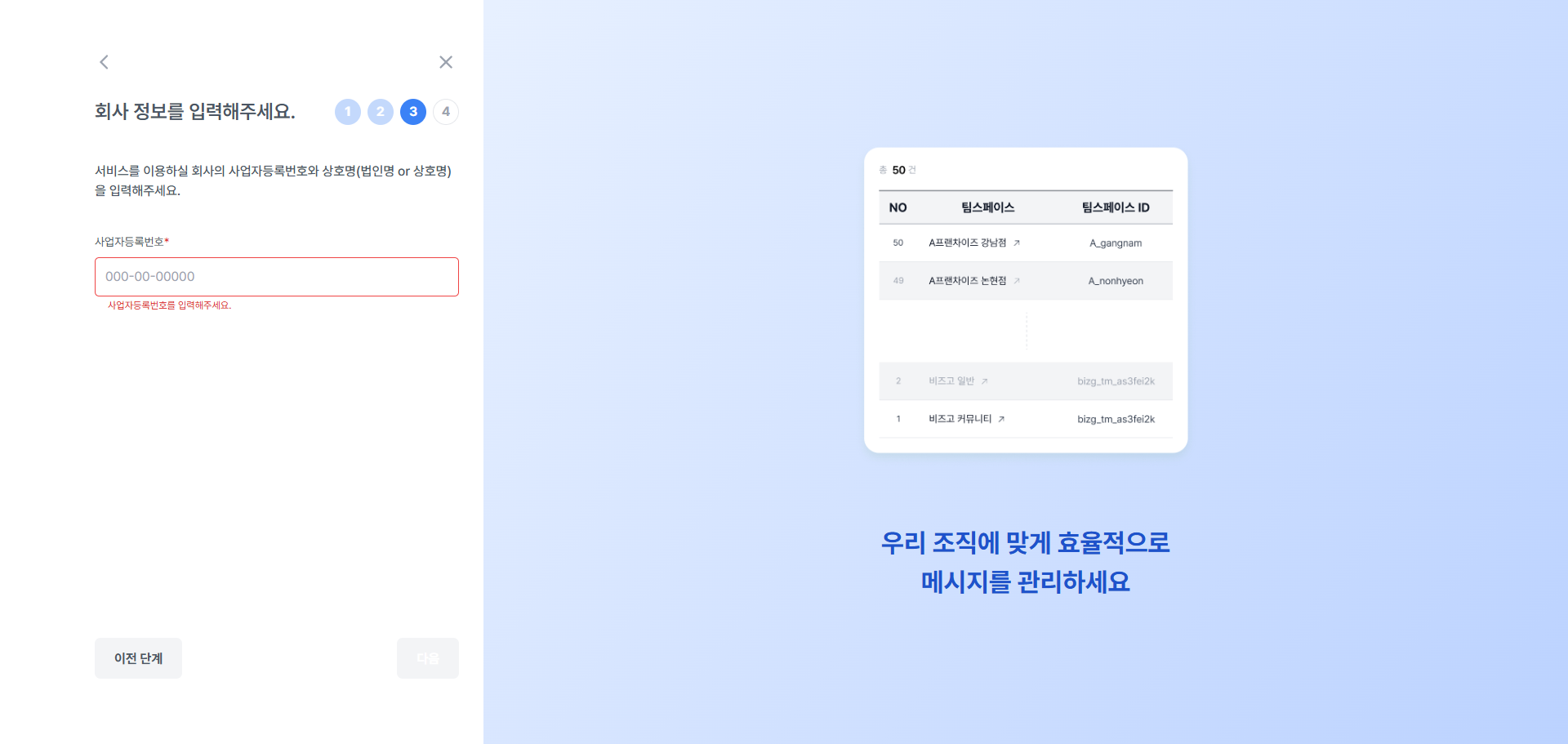
Verify your business
Submit your business registration number and business registration certificate to verify your company.
| Item | Details |
|---|---|
| Business registration number | Enter a valid business registration number |
| Business registration certificate | Upload a file (PDF, JPG, PNG) |
| Processing time | Approved within 1–2 business days |
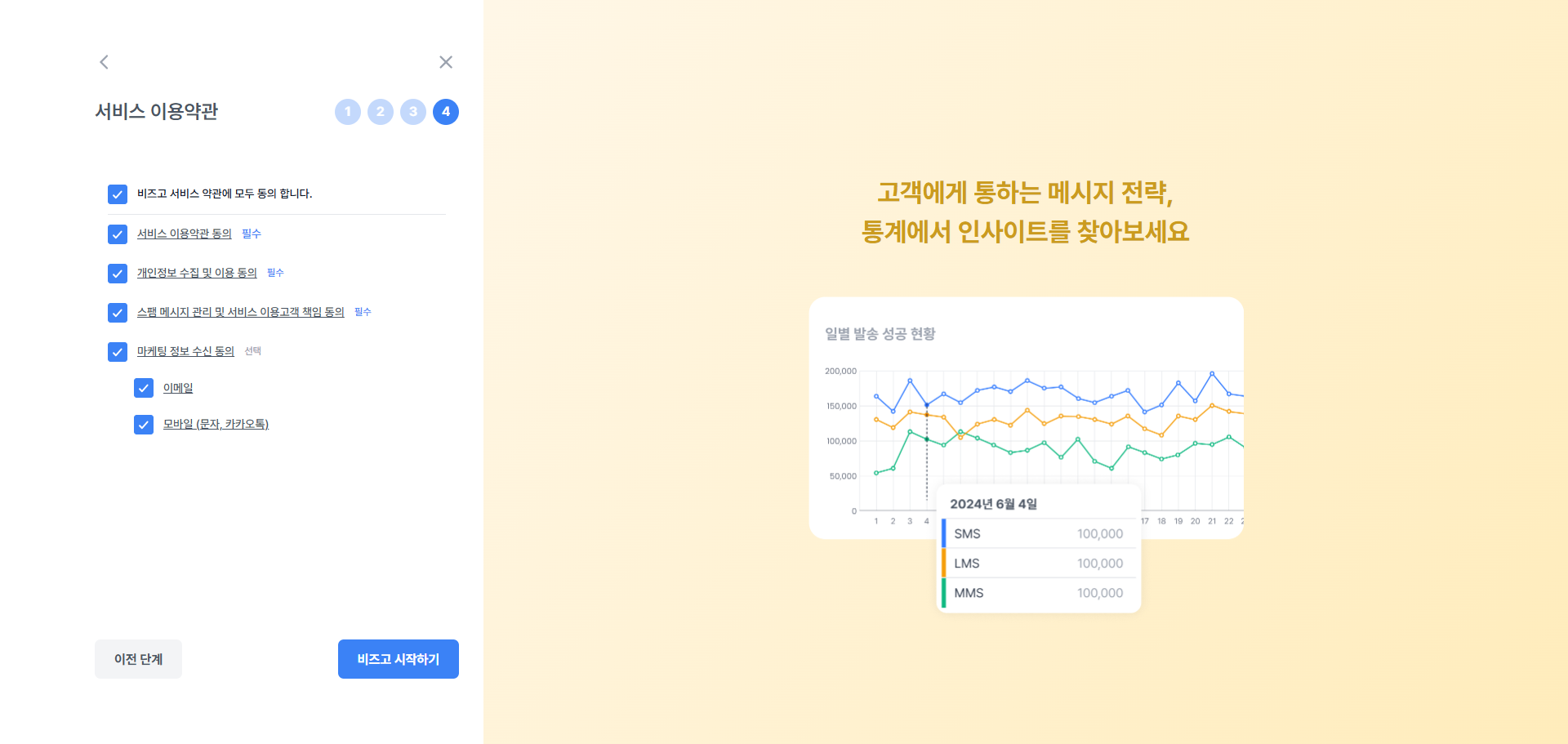
Agree to the Bizgo service terms
Agree to the terms of service and the privacy policy. Once you agree, your business verification is submitted.
3. Prepare your team space
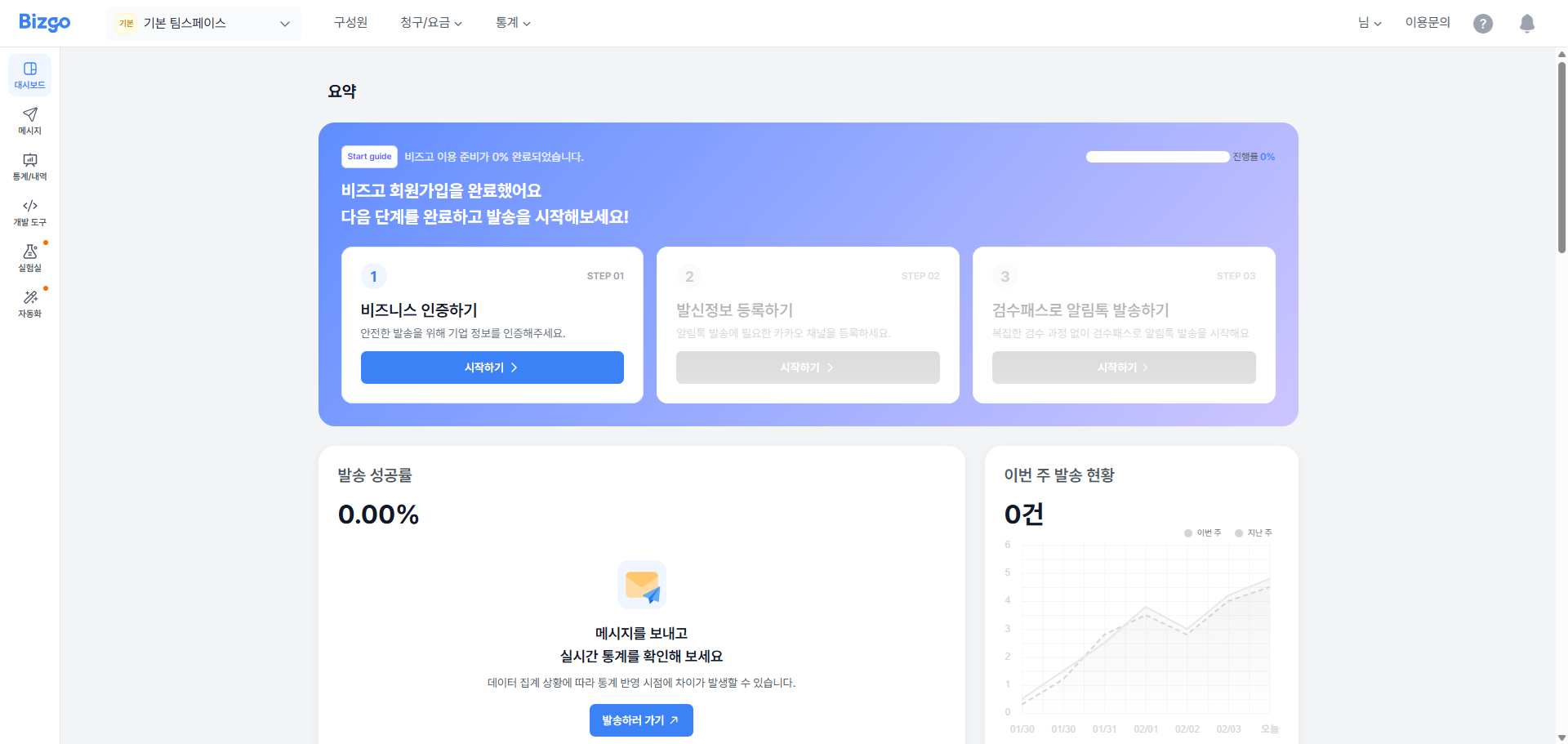
A team space is the basic unit of Bizgo operation.
- One default team space is created automatically
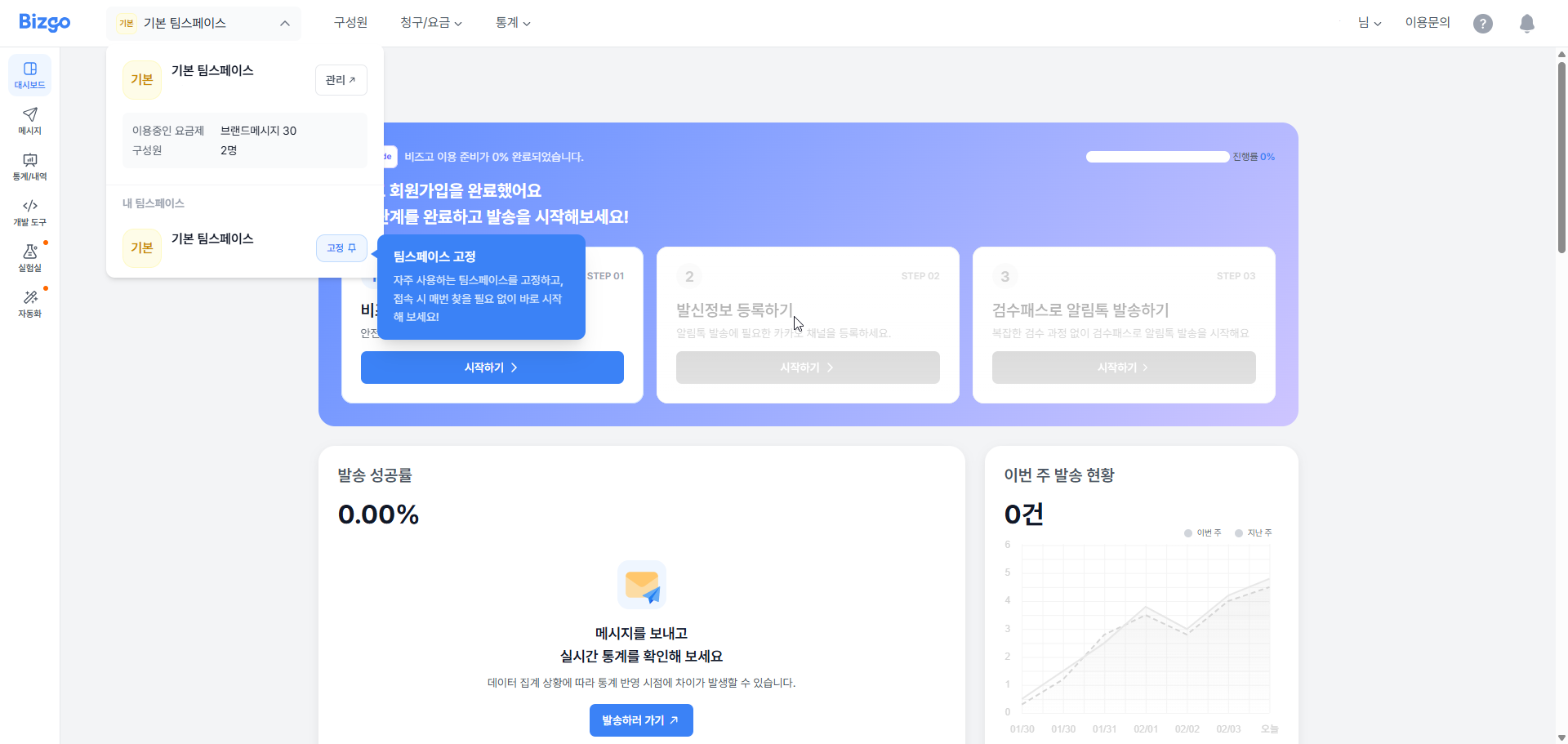
Create an additional team space
- Open the dropdown at the top of the console → Create a new team space (새 팀스페이스 만들기)
- You can manage pricing, contact information, API keys, and sender numbers separately for each team space.
4. Manage members
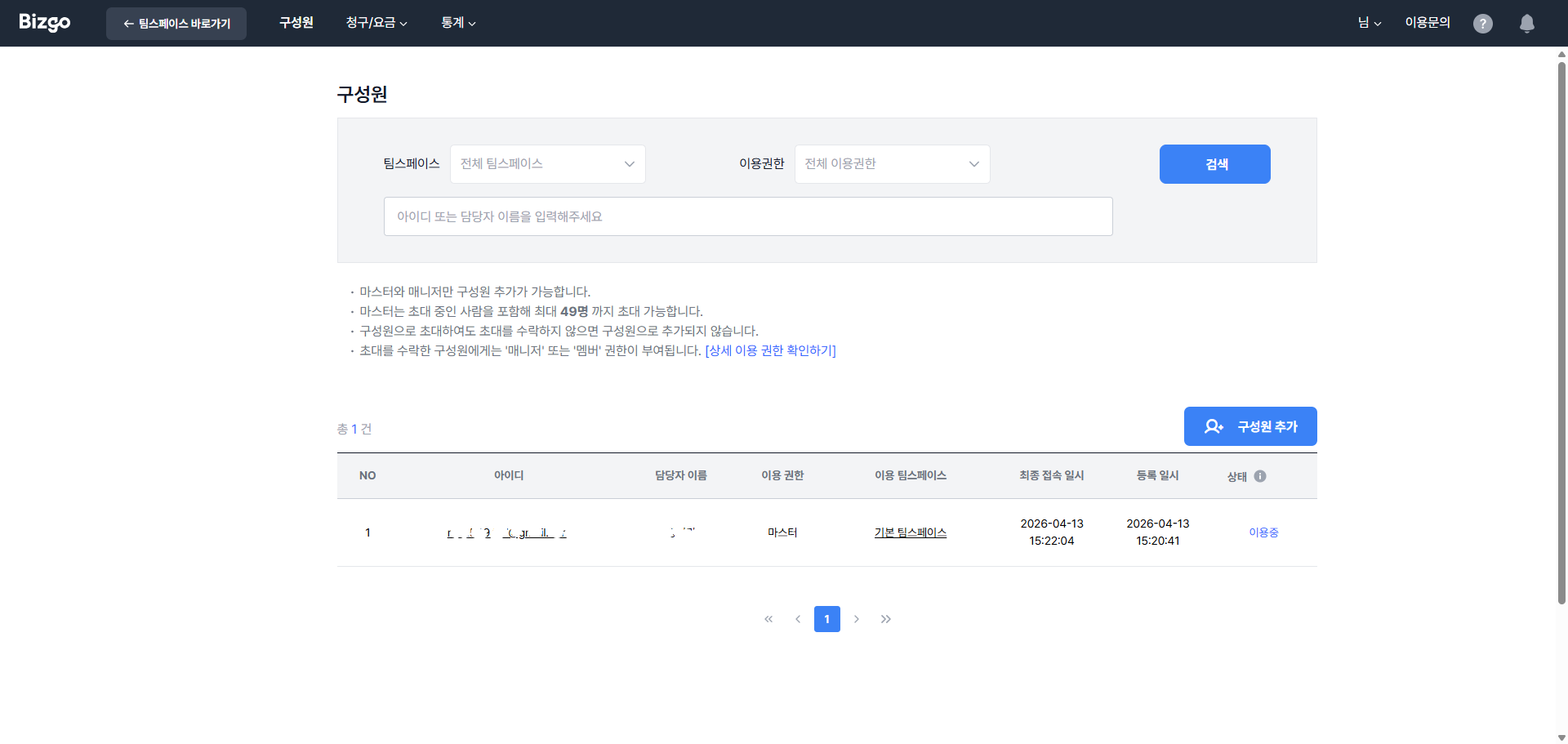
For operation, invite members and split permissions among them rather than sharing a single shared account.
| Role | Permissions |
|---|---|
| Master (Admin) | Change all settings, invite and remove members |
| Manager (Editor) | Send and configure, cannot manage members |
| Member (Viewer) | View delivery history only |
- Roles that can invite: Master, Manager
- Invite up to 49 members
- You can set access permissions per team space
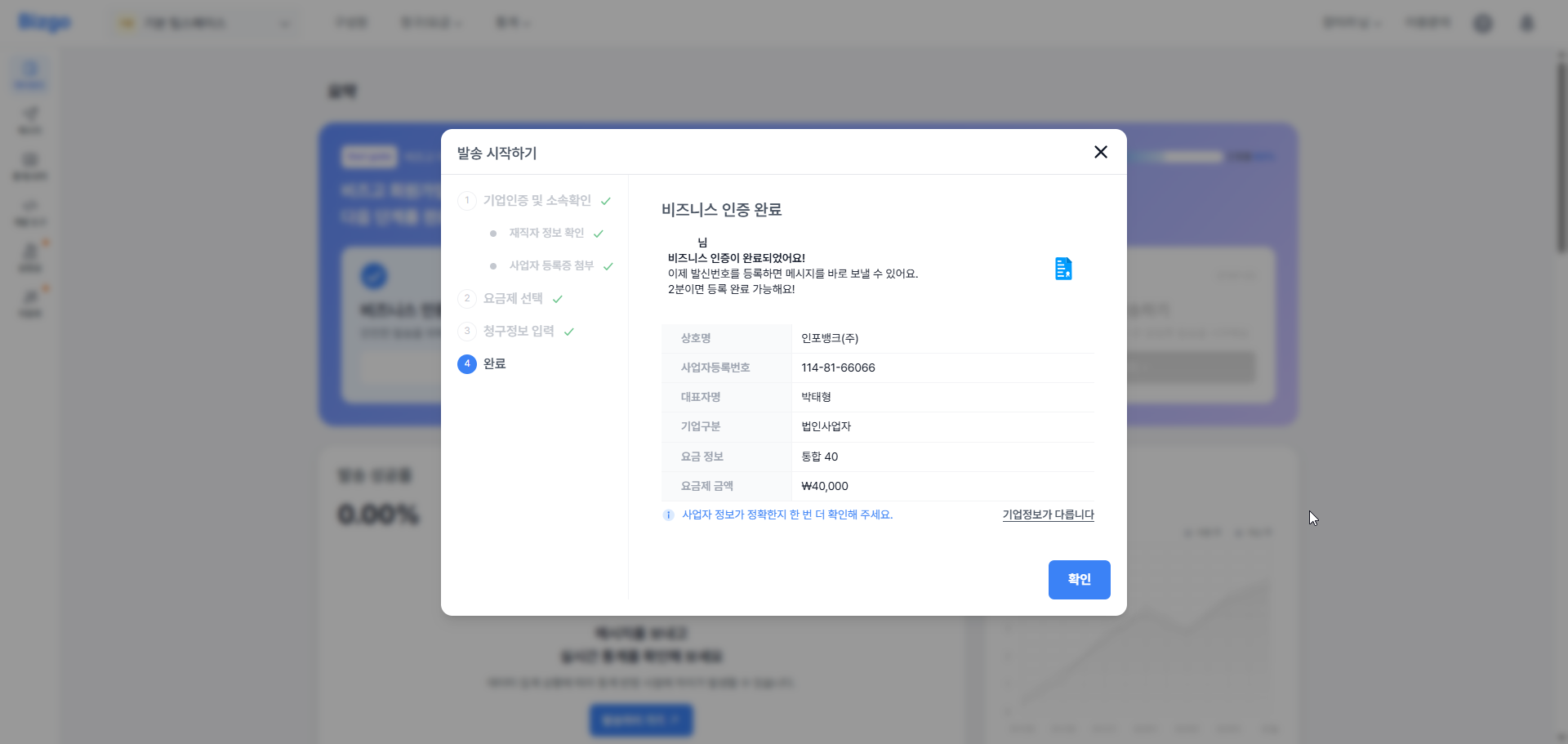
5. Complete business verification
After your business verification is done, continue with the steps below.
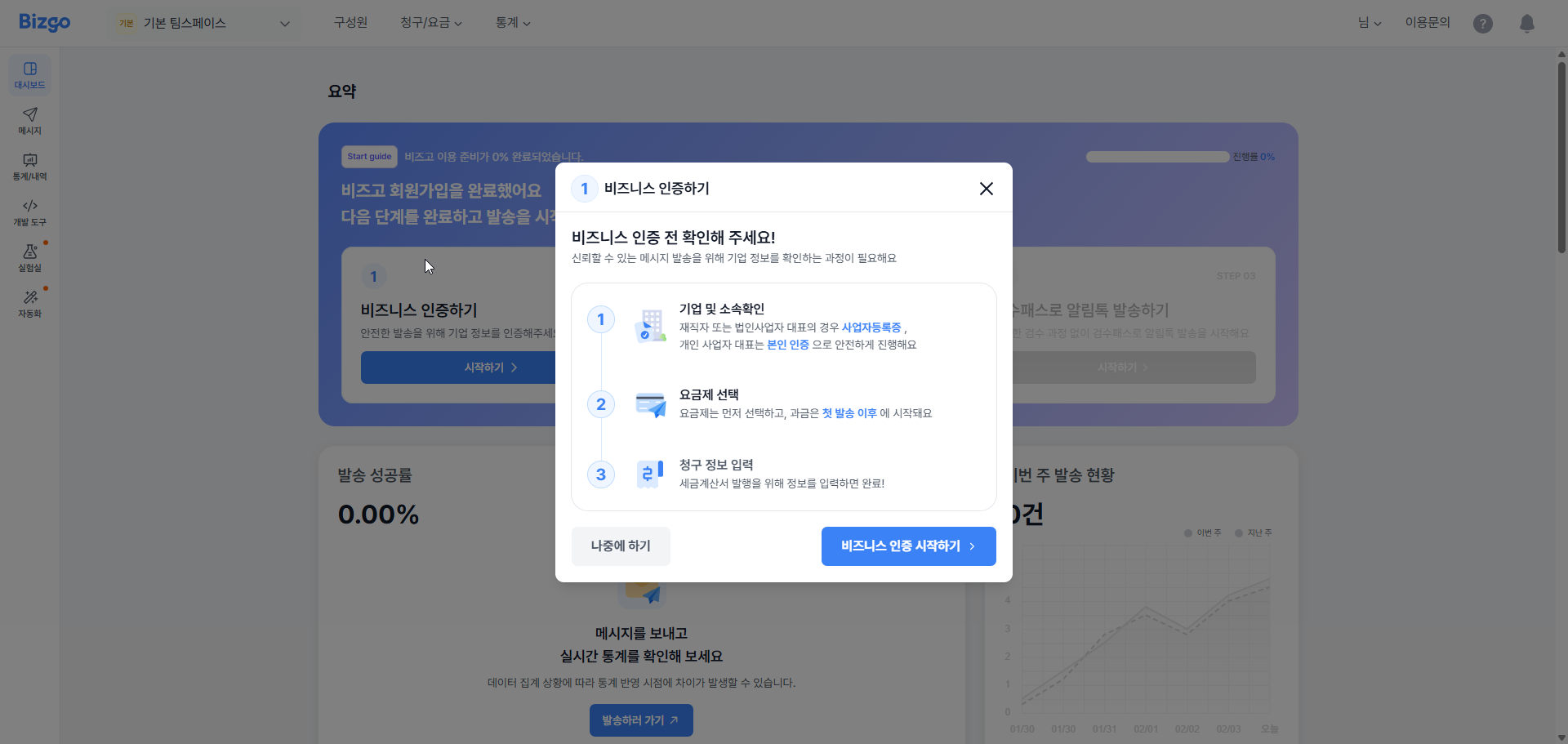
Confirm your company and affiliation
Confirm your company information and affiliation.
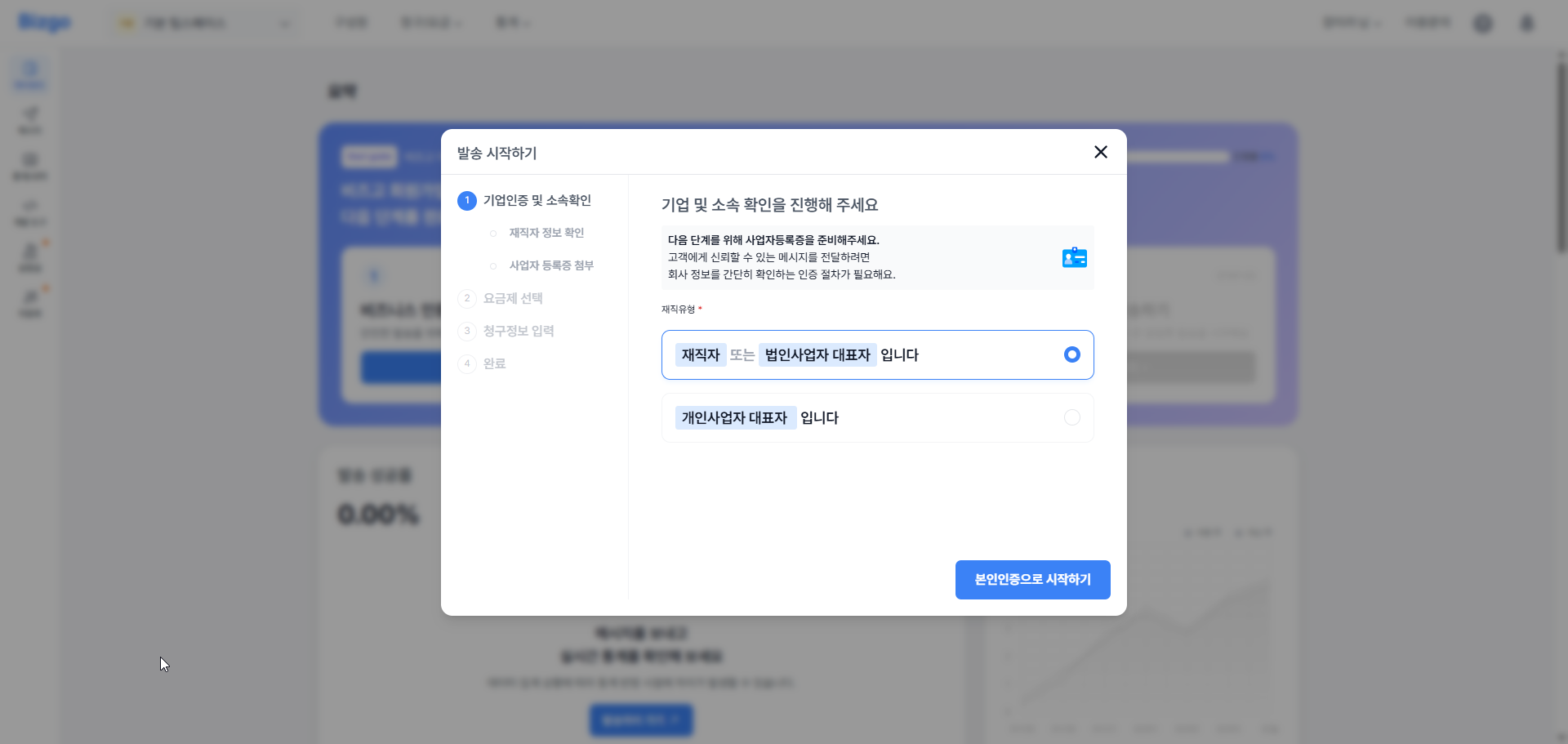
Choose a plan
Choose the pricing plan that matches how you intend to use Bizgo.
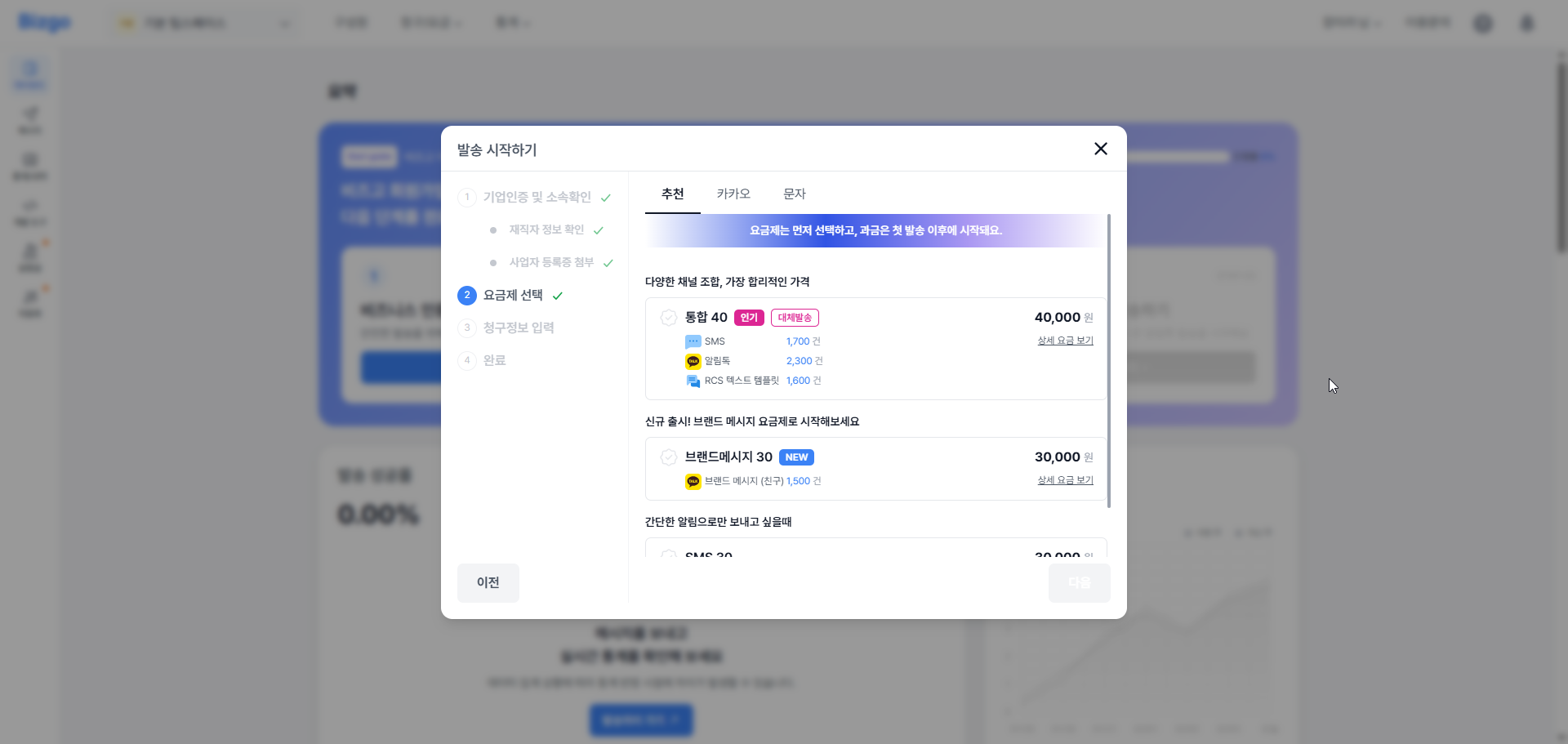
Enter billing information
Enter the information required for billing.
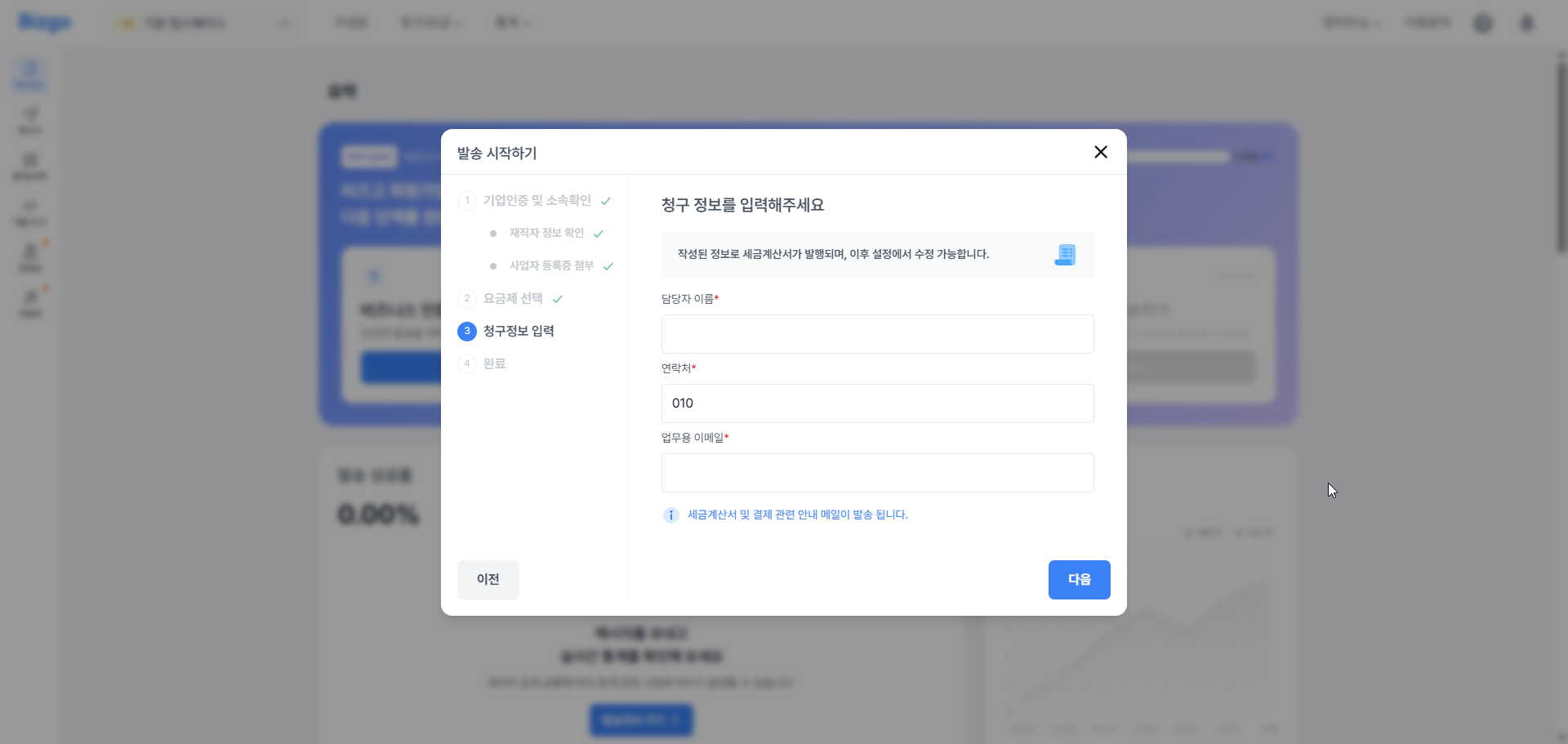
Business verification complete
Once every step is done, the completion screen appears.